Send
Professional messages to clients, partners and your team.
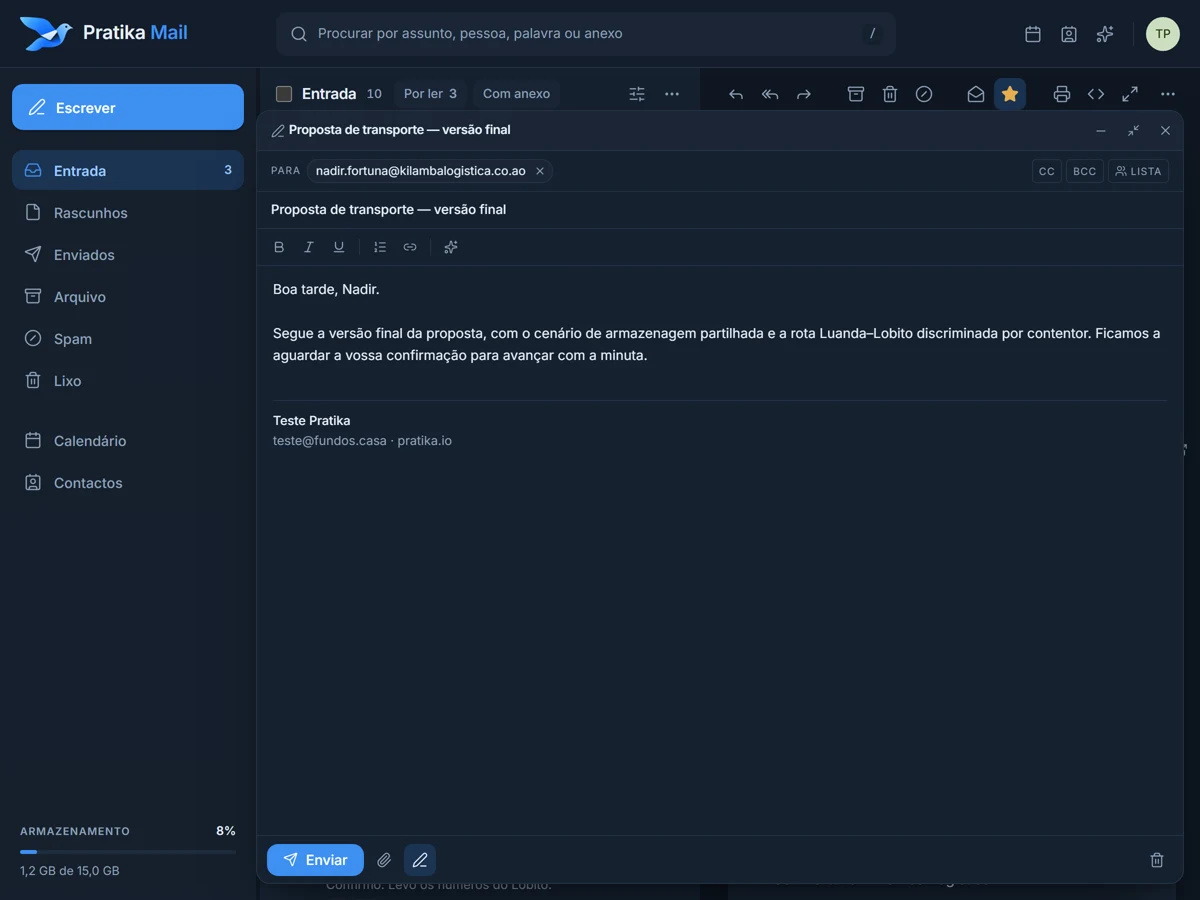
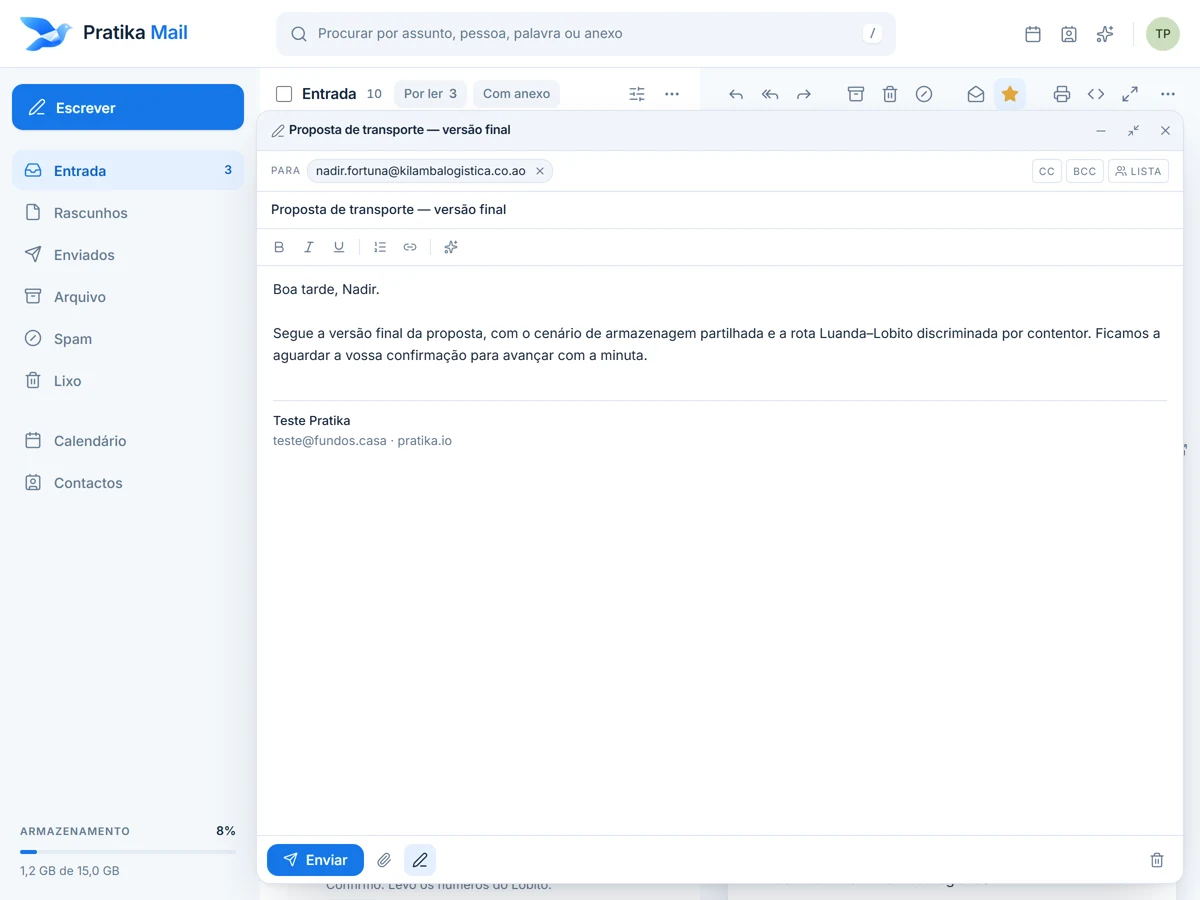
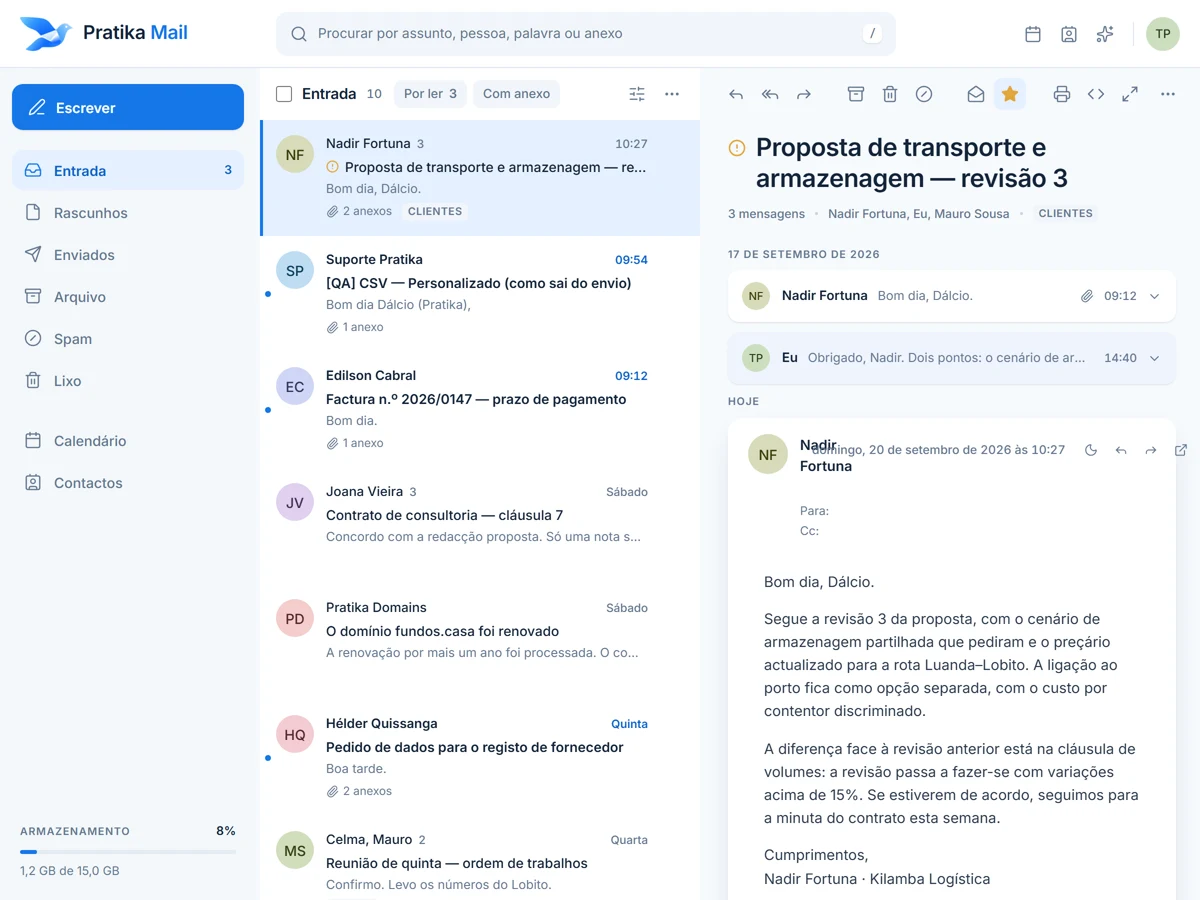
Recipients, Cc and Bcc, attachments, signature. Reply and forward with the conversation underneath. Everything you send is kept in Sent.
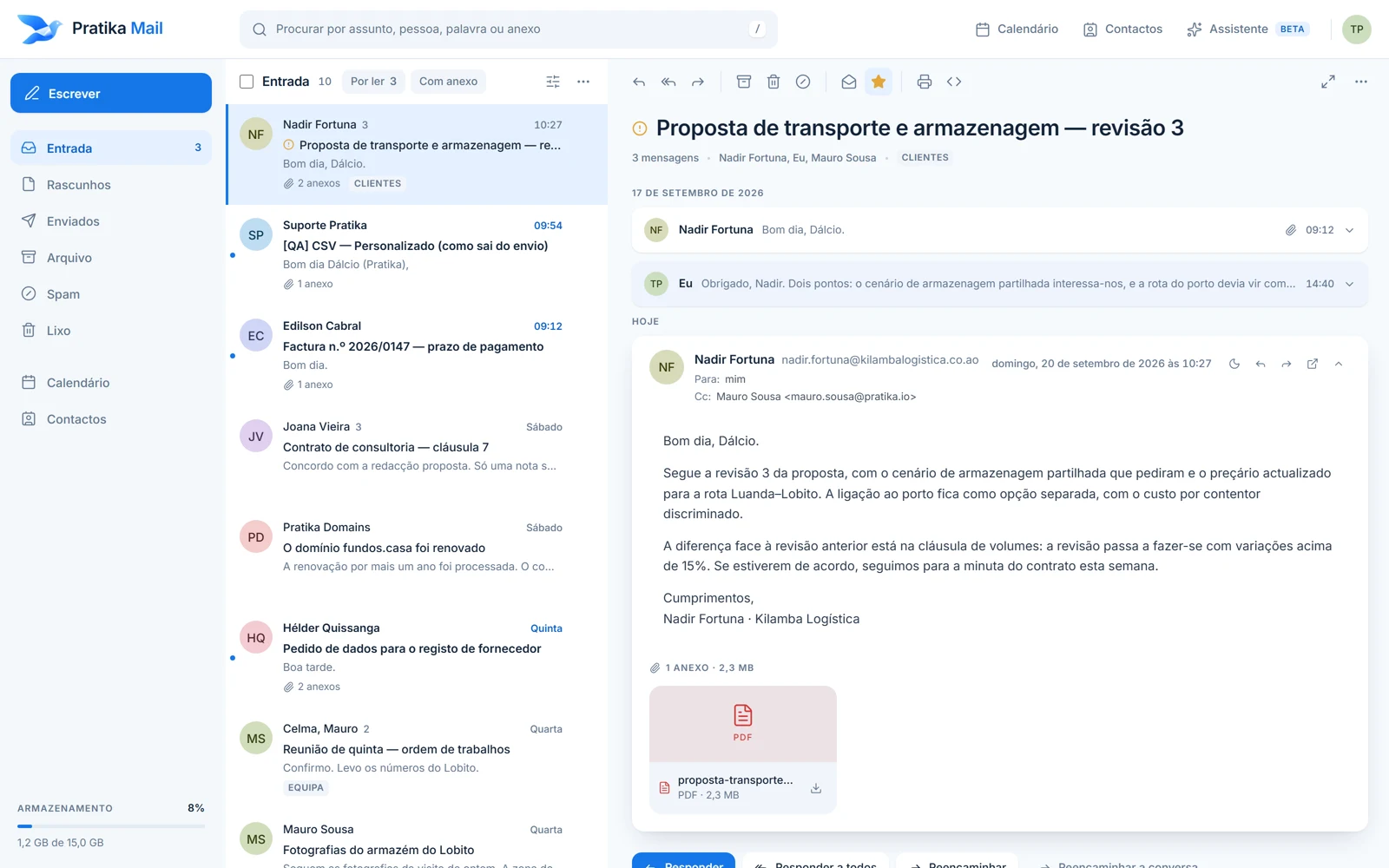
Send and receive email on your own domain, and keep your business communication (with clients, partners and your team) in one place.
Where it starts
Your domain is your business's name on the internet. When your email uses it, every message says who it is from before it is even opened, and the addresses belong to the company, not to someone's personal account.
Identity
name@yourcompany.com instead of a generic address. Your business name travels with every message.
Trust
Recipients see your company, not a free service. And addresses stay with the business when your team changes.
Communication
Clients, partners and your team in one place: send, receive, reply and find it again later.
What it does
A real mailbox in your browser, with your company's address. Write, send, receive, reply.
Send
Recipients, Cc and Bcc, attachments, signature. Reply and forward with the conversation underneath. Everything you send is kept in Sent.
Receive
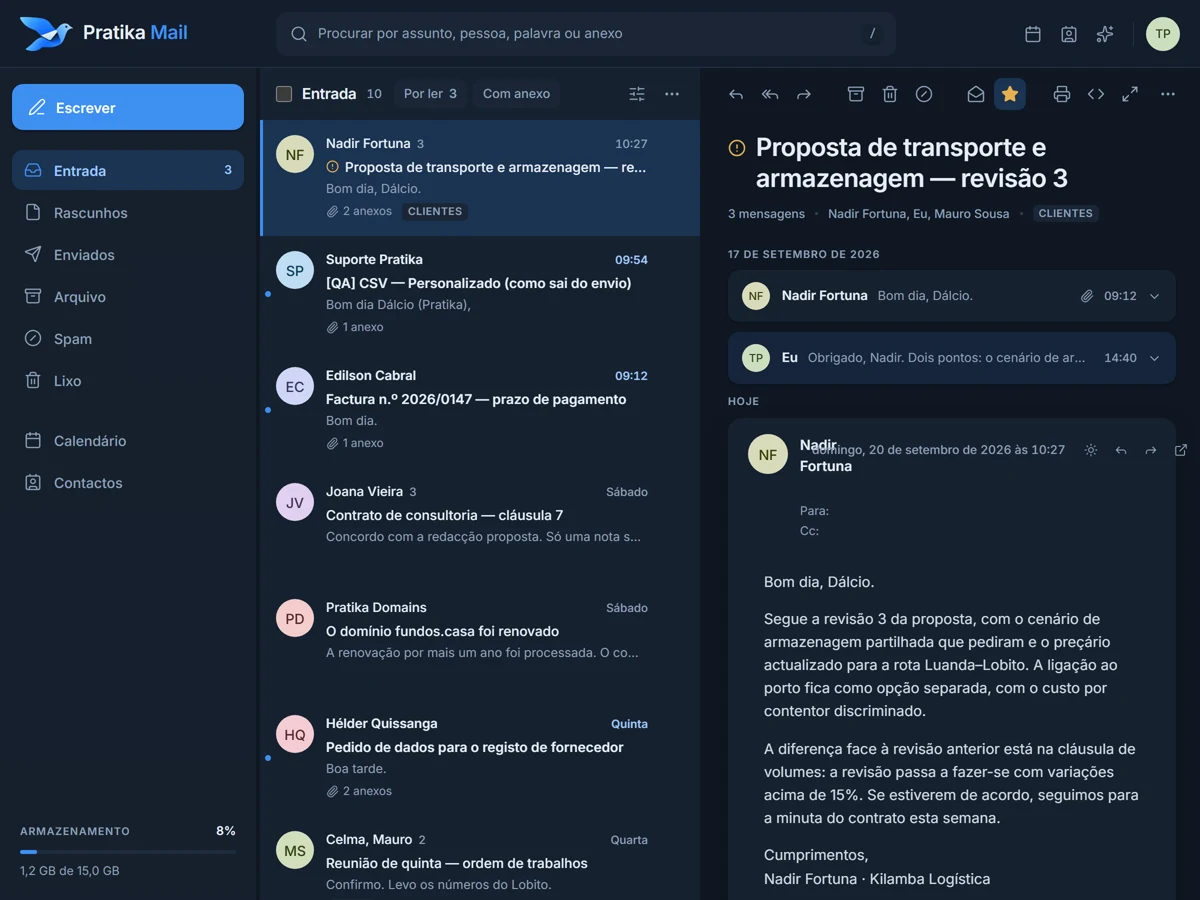
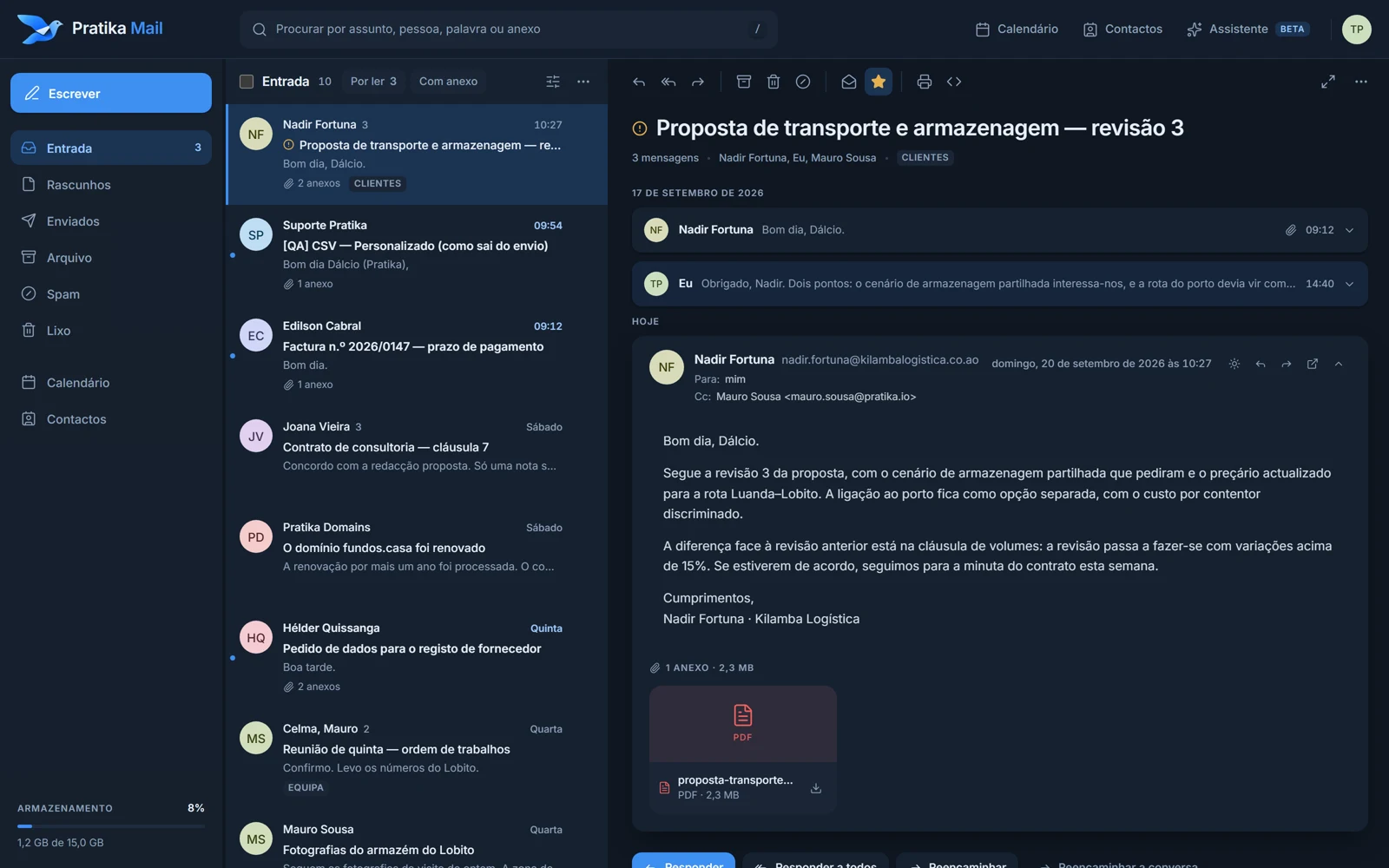
New email appears on its own. Conversations grouped, folders, archive, spam kept apart. What arrives today is still easy to find a year from now.
Every day
Your mailbox
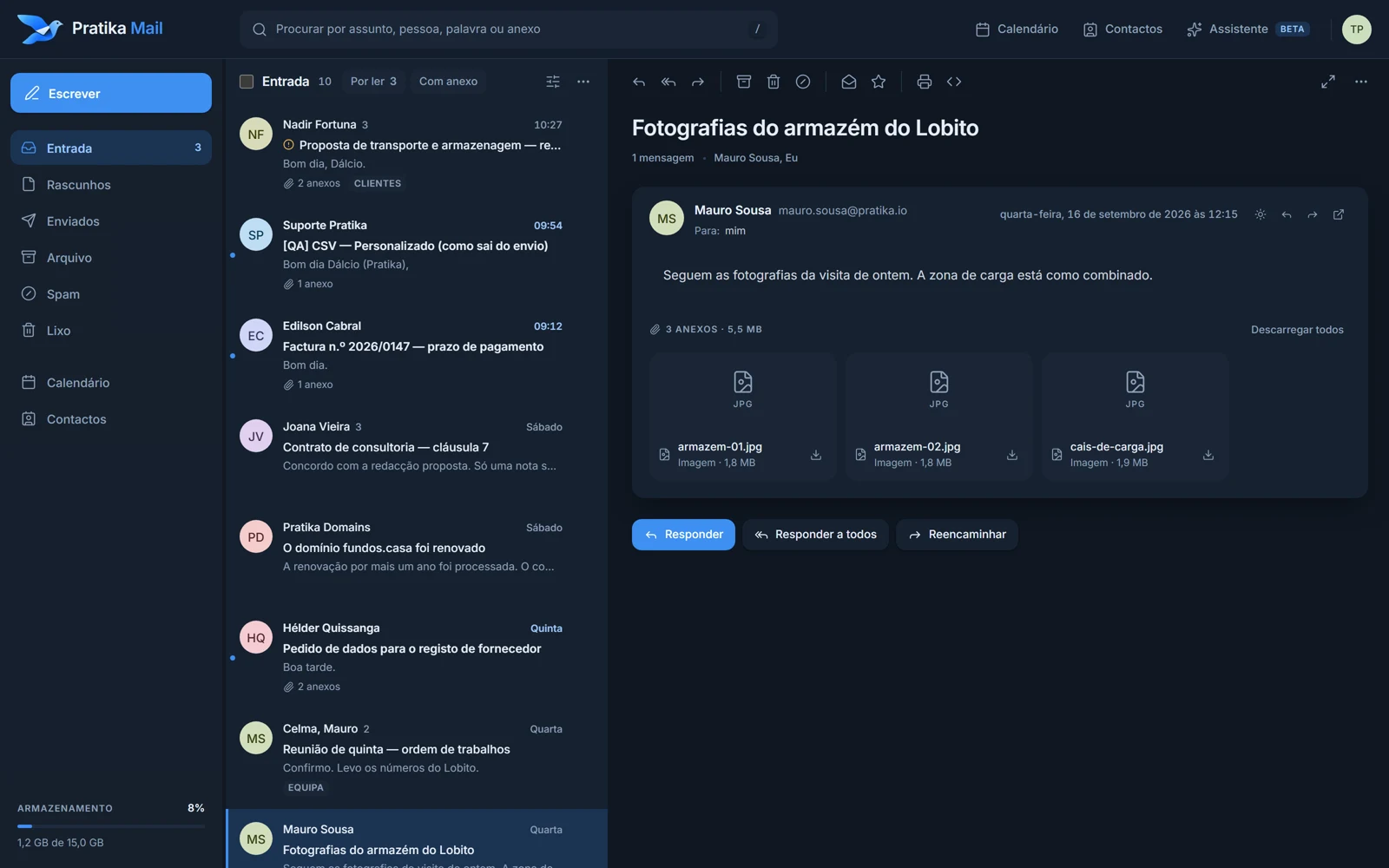
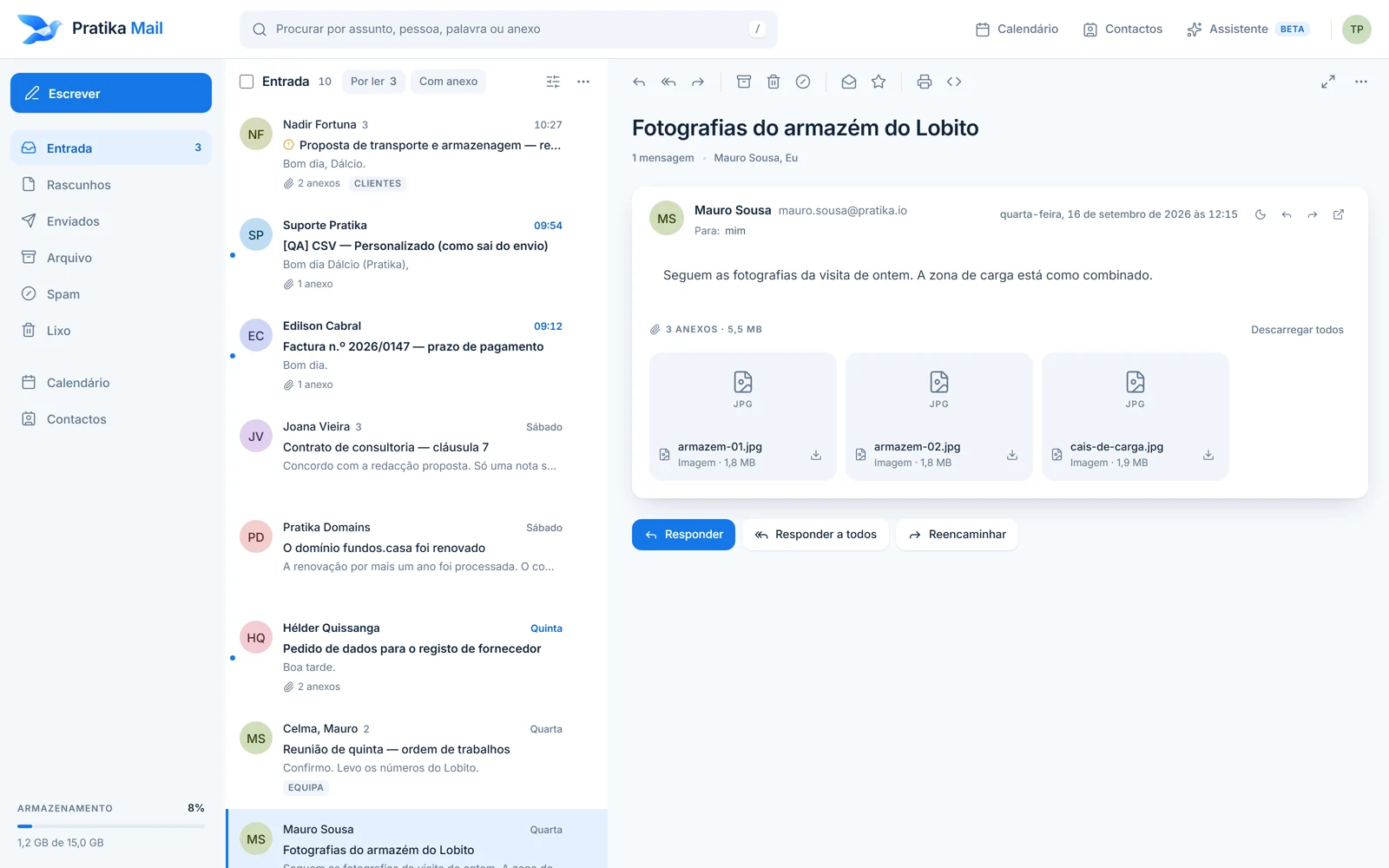
A complete mailbox in your browser: Inbox, Drafts, Sent, Archive, Spam and Trash. And the same mailbox in any email app (Outlook, Apple Mail, your phone) over IMAP and SMTP, with the settings detected automatically.
Search
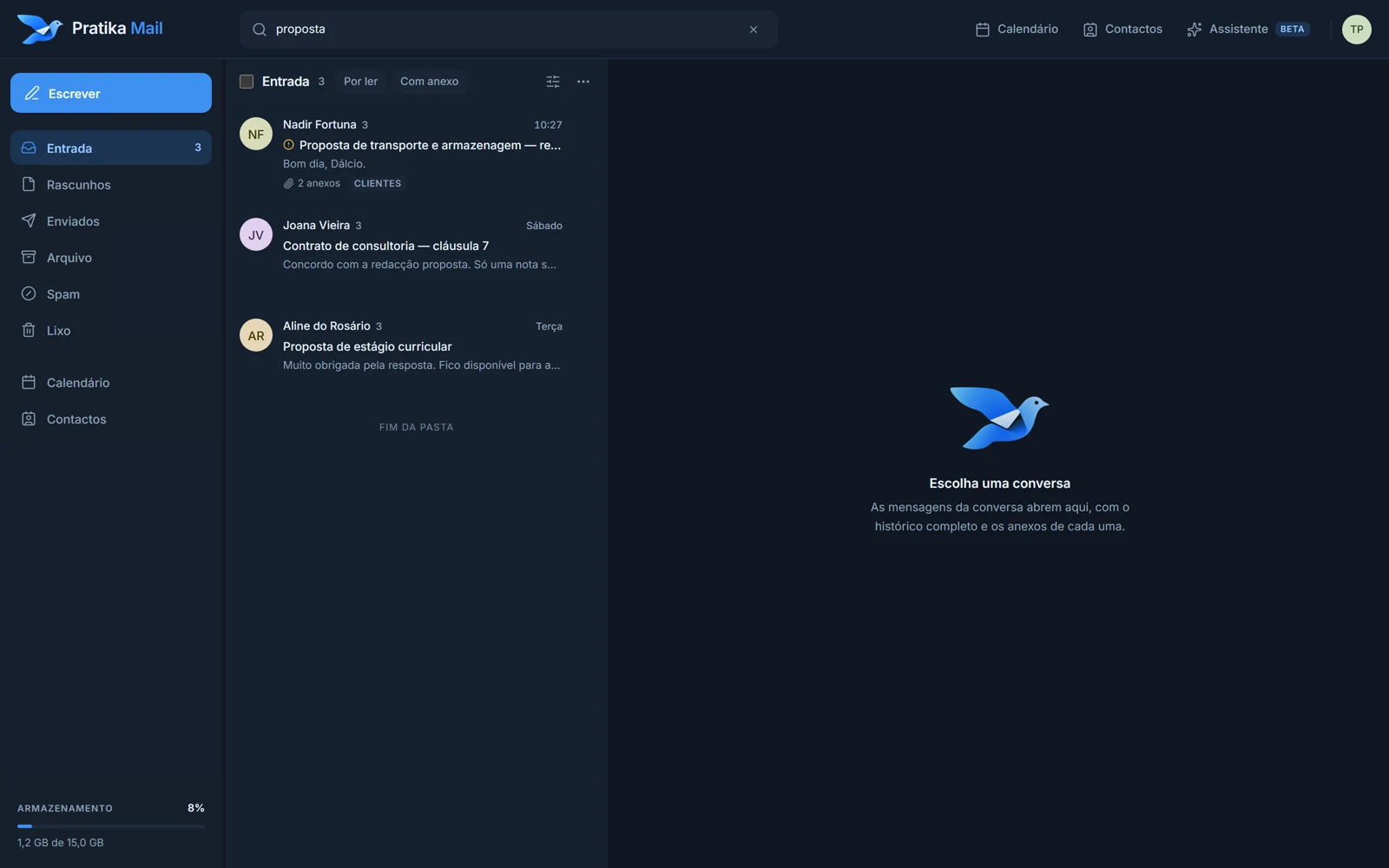
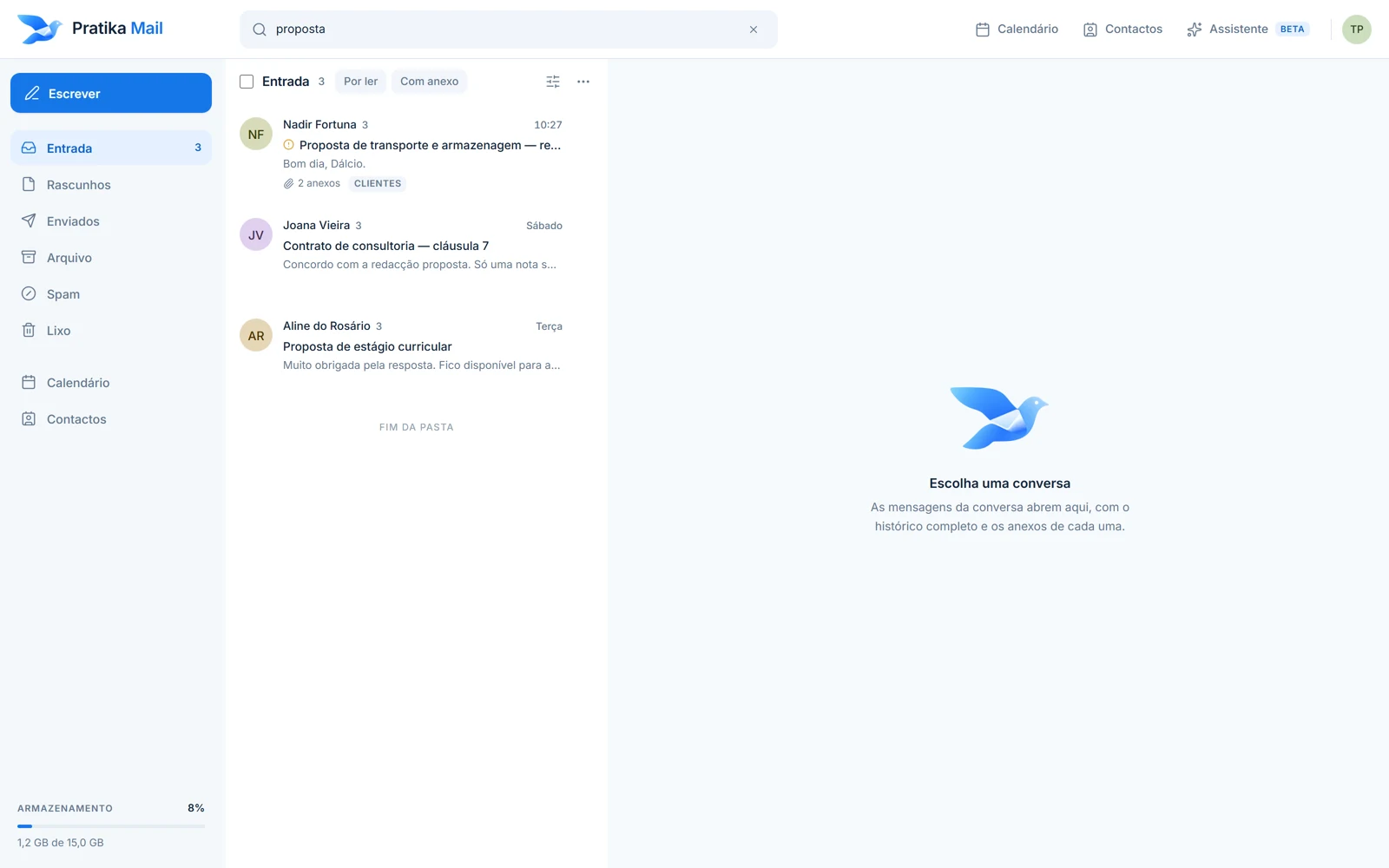
Search by subject, person or text across a whole folder. Messages are grouped into conversations, so your reply sits next to the question it answers. Rules sort your email on the server, even when the mailbox is closed, and an automatic reply answers for you while you are away.
Next to your email
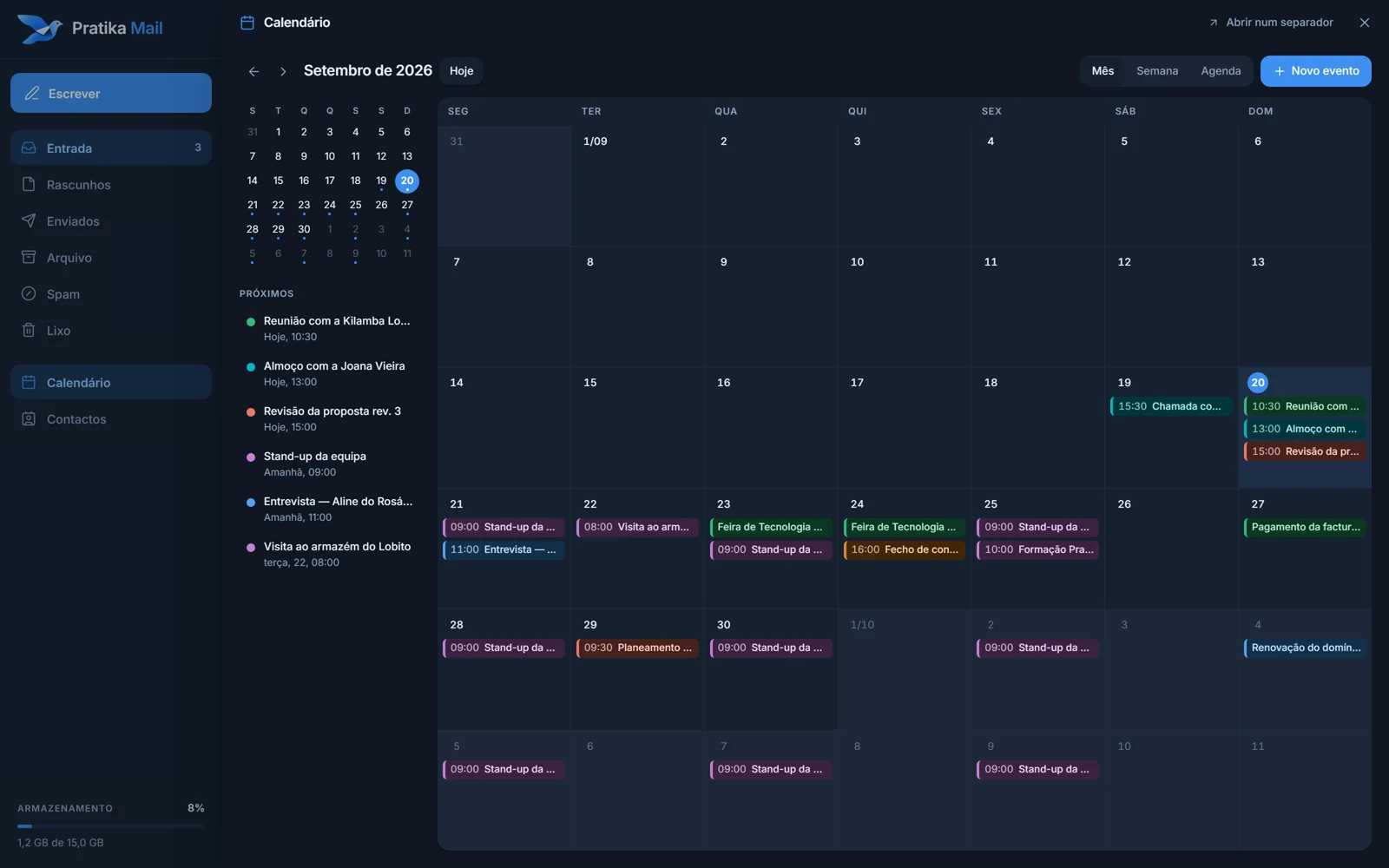
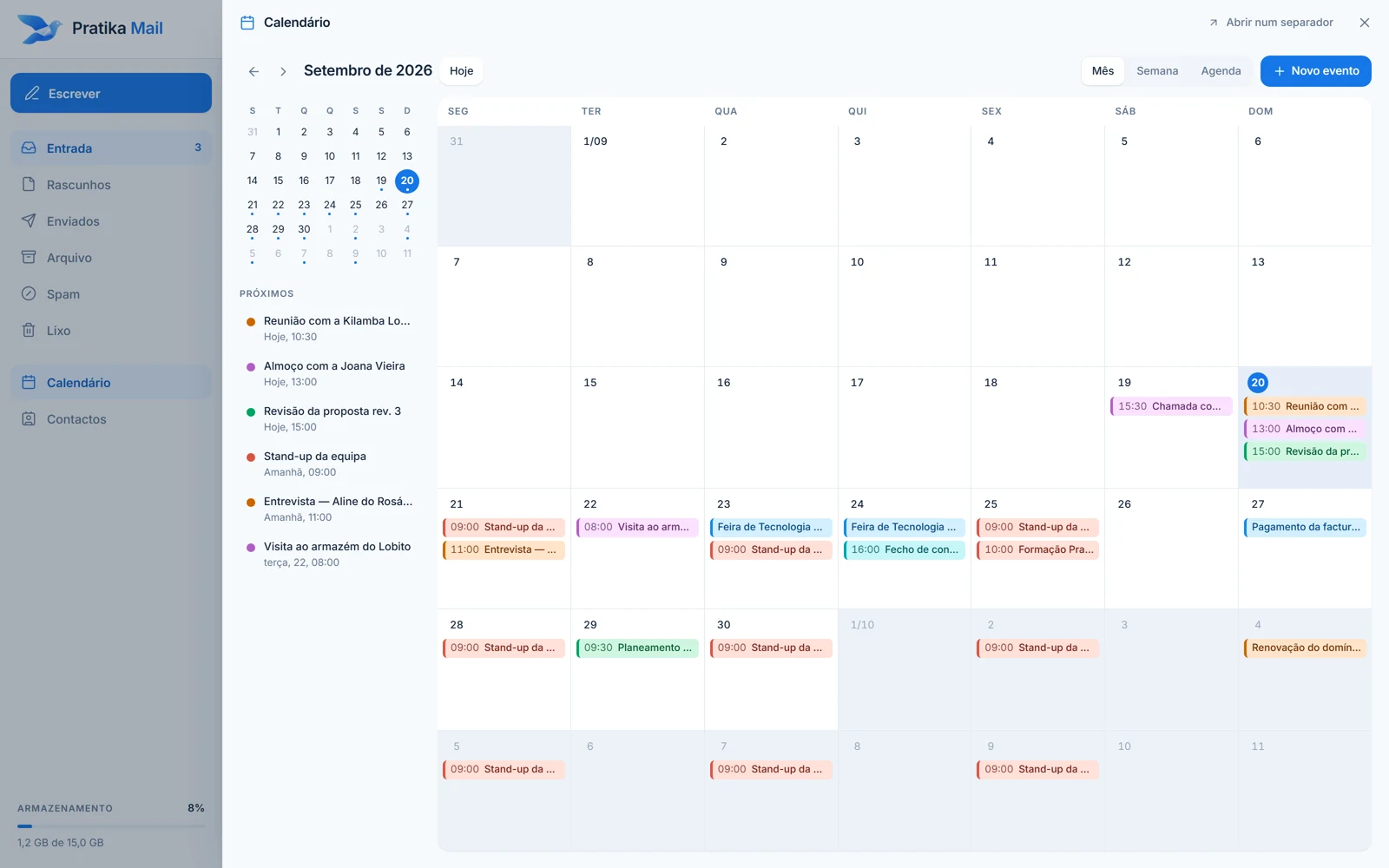
The people you write to, in an address book your phone can see too. A calendar by month and by day, with all-day and recurring events. All in the same mailbox, without switching apps.
Mail Manager
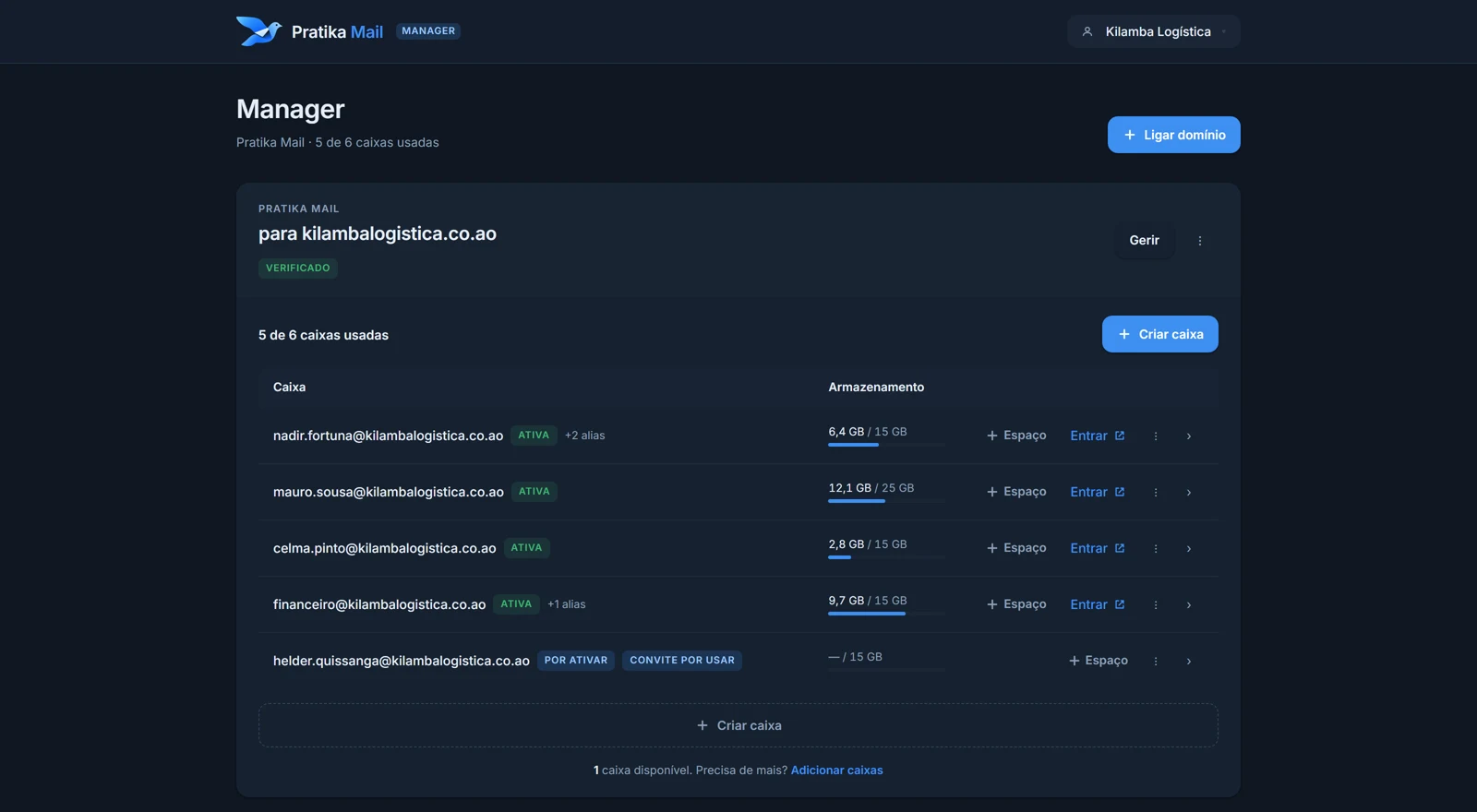
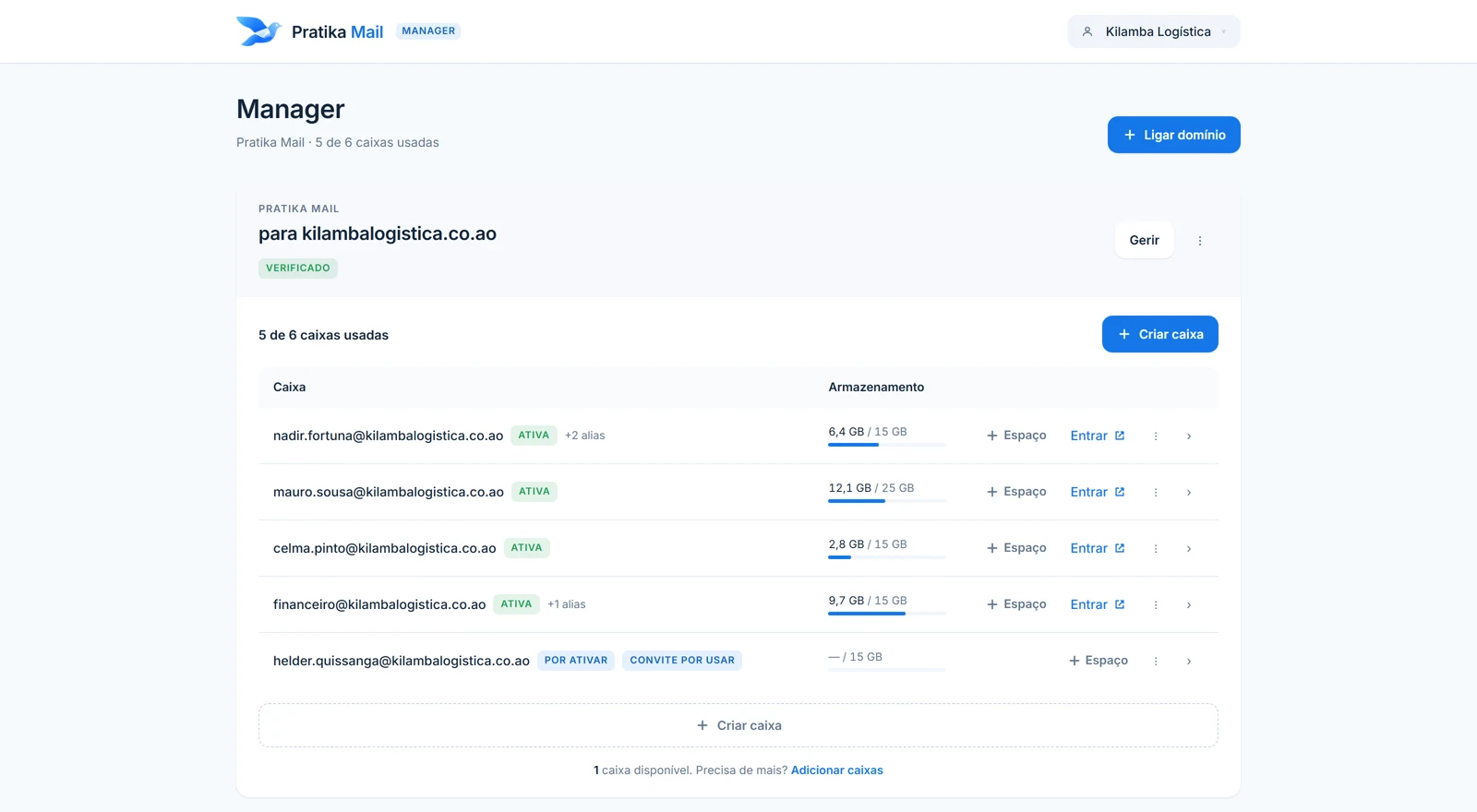
The Manager is where your business runs its email: everyone's mailbox, shared addresses, your domain and your subscription. One page, no manuals.
Pricing
Every mailbox includes 15 GB. The first one is $2.99 per month; each additional mailbox is $1.89, with a discount from 5 mailboxes.
Prices in US dollar for your location. You can pay in any of these currencies.
Solo
For freelancers and independent professionals.
$2.99per month
Business
For growing teams and companies.
$18.30per month
Custom
Choose exactly how many mailboxes you need. The price uses the same rates.
One per person. Shared addresses such as sales@ or hello@ are aliases and do not cost a mailbox.
Total
$2.99per month
1 mailbox · 15 GB in total
Already have an account? Log in
Grows with you. Add mailboxes in the Manager at any time; mid-period you only pay for the part that is left. Reductions apply from the next renewal.
More storage for one mailbox. +10 GB $0.99 · +25 GB $2.49 · +50 GB $4.99 · +100 GB $9.99 per month, per mailbox.
Your currency. Each currency has its own price list, with no conversion. It is chosen at the first payment and then stays the same.
No surprises. Before paying you see exactly what you pay today and at renewal. We remind you before every renewal, with the amount.
What is included
There is no higher tier with more features. The only thing that changes with the price is the number of mailboxes.
How it works
Use the domain you already own, from any registrar, or register a new one. The Manager tells you which records to publish and confirms when everything is right.
One mailbox per person, with any name before the @. Each person gets an invitation and chooses their own password.
In your browser, on your phone or in the email app you already use. Email arrives, conversations group together, and what you send is kept in Sent.
More mailboxes, a new alias, someone who left, more storage for one mailbox: it is all in the Manager, and your subscription follows.
Your domain
Use the domain you already have, wherever you bought it. The Manager shows the DNS records to publish, checks them, and from then on you create mailboxes with your company's name.
Security
Encrypted connections
Email travels over TLS: IMAP and SMTP on secure ports, and the webmail always over HTTPS.
Your domain, authenticated
SPF, DKIM and DMARC set up for your domain, so what you send arrives as yours, and what is not yours cannot pass for you.
Passwords only the person knows
Each person chooses their own. They are stored irreversibly hashed, and neither the administrator nor Pratika can see them. Repeated sign-in attempts are blocked.
Messages handled with care
Each message's HTML is sanitised on the server before it reaches your screen, and remote images only load if you allow them.
Mailboxes are hosted by our email provider in Google Cloud data centres in Europe, with backups run by the provider.
Application data
Accounts, domains and subscriptions are kept in a database in the European Union (Frankfurt), separate from the email.
Application
The webmail and the Manager are served over HTTPS from a global network, close to wherever they are opened.
FAQ
The answers describe what the product does today.
Professional email for businesses: mailboxes on your company's own domain, a webmail to send, receive and organise messages, and a Manager where you run your mailboxes, shared addresses, domain and subscription.
Yes, bought from any registrar. In the Manager you connect the domain and Pratika Mail tells you exactly which records to publish (MX, SPF, DKIM, DMARC and automatic client setup), with instructions for common DNS providers, and checks when they are correct.
As many as you subscribe to, up to 10 per subscription. Each mailbox belongs to one person, with its own password and 15 GB. Shared addresses such as sales@ or hello@ are aliases: they do not count as mailboxes and are unlimited. Need more than 10? Talk to us.
One subscription, billed per month. The first mailbox costs $2.99 and includes 15 GB; each additional mailbox costs $1.89, also with 15 GB. From 5 mailboxes, additional mailboxes are discounted. Prices are available in US dollars, euros, Brazilian reais and Angolan kwanzas, each with its own price list, and you see the exact total before you pay.
Card in US dollars, euros and Brazilian reais, renewing automatically. Pix in Brazil, where available, paid each month. In Angola, Multicaixa Express or a payment reference in kwanzas. Your subscription stays in the currency of your first payment.
Yes, in the Manager, at any time. Mid-period you only pay for the part left until renewal; the next renewal already includes the new mailboxes. You can also reduce, effective from the next renewal: email is never deleted in the middle of a paid period.
Each mailbox includes 15 GB. You can add storage to a specific mailbox in the Manager: +10 GB for $0.99, +25 GB for $2.49, +50 GB for $4.99, +100 GB for $9.99 per month. Storage belongs to each mailbox, not to a shared pool, and the Manager warns you when a mailbox is filling up.
Yes. The subscription is monthly with no lock-in, and you can cancel from the Manager; service continues until the end of the paid period. Card subscriptions renew automatically until cancelled; Pix and kwanza subscriptions are paid period by period, with a reminder before each due date. Email is never deleted just because a payment is late.
At mail.pratika.io, with your company address and the password you chose when activating the mailbox. And in any email app (Outlook, Apple Mail, your phone) over IMAP and SMTP: the settings are discovered automatically from your domain.
Yes, the Manager. It is where your business creates mailboxes and aliases, connects its domain, invites members with different roles and manages the subscription. You sign in with a Pratika Mail account (email and password, or Google). Administrators never see a mailbox's password: each person chooses their own.
Yes. The webmail works in your phone's browser, and the same mailbox connects to the email app already on your phone over IMAP and SMTP. There is no dedicated app.
Choose how many mailboxes you need, connect your domain and start communicating under your business's name.
Already have a mailbox? Sign in